
Look for your next home.
Search current advertised homes by area or postcode.
See an example renting summaryLETTING & PROPERTY MANAGEMENT
Advertise your property, manage tenant enquiries and keep rent records, documents and maintenance together. Renters can prepare an application summary and keep their home search in one place.
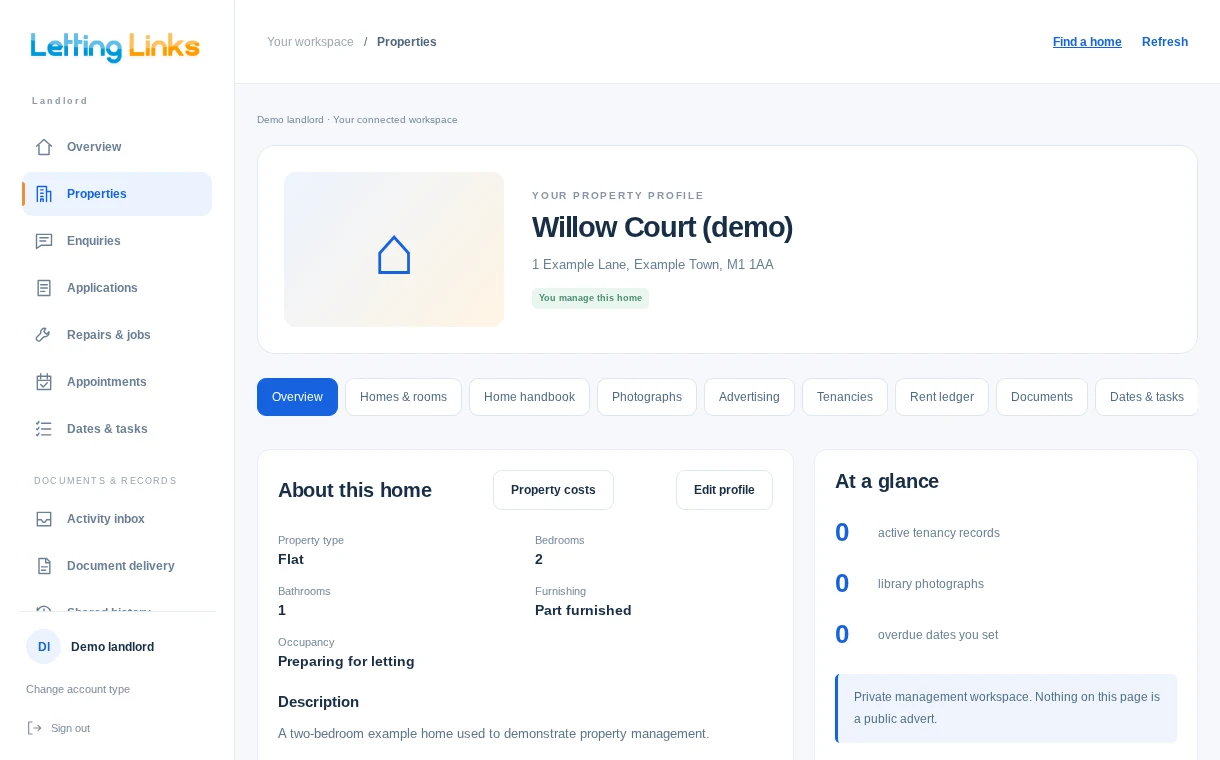
Open a private property record and choose what to do next. Prepare an advert, organise a letting or add a document.
Explore landlord toolsHOW LETTING LINKS WORKS
Follow an advert through to an application, then see how people share documents and organise maintenance.
START WITH ONE USEFUL THING
Search current advertised homes by area or postcode.
See an example renting summaryDescribe the issue, add photographs and download your own repair record. You decide how to share it; creating it sends nothing.
Create a repair recordPrepare private access to an original file. Recipients can view through a link and separate code, without registering.
Explore document handoverTHE RECORD MATTERS
Keep originals, versions and named actions together. Make receipt, agreement and the next decision clear.
Understand the connected recordPrivate means private. Property administration is separate from what you deliberately advertise or share.
People choose their next step. A proposed visit is not agreed access. A received document is not a signed agreement.
Earlier evidence stays earlier evidence. New versions and corrections retain the original record.
ONE PROPERTY. THE RIGHT PEOPLE.
Already have an account? Sign in.